
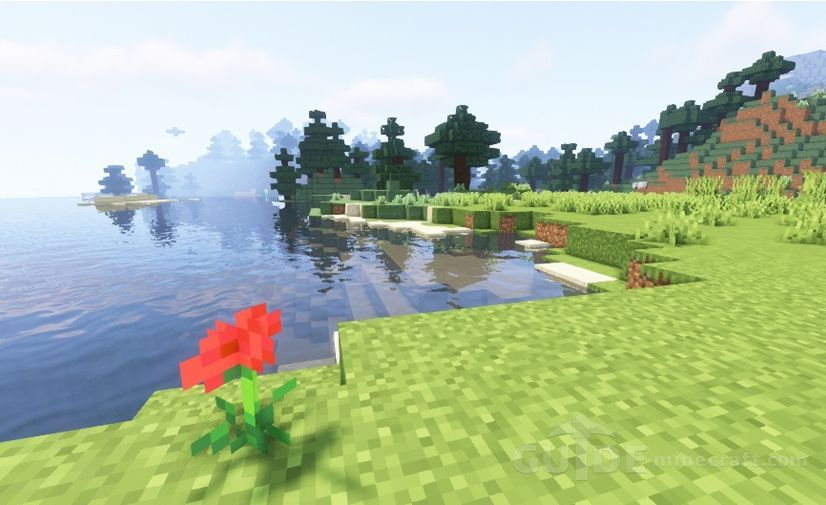
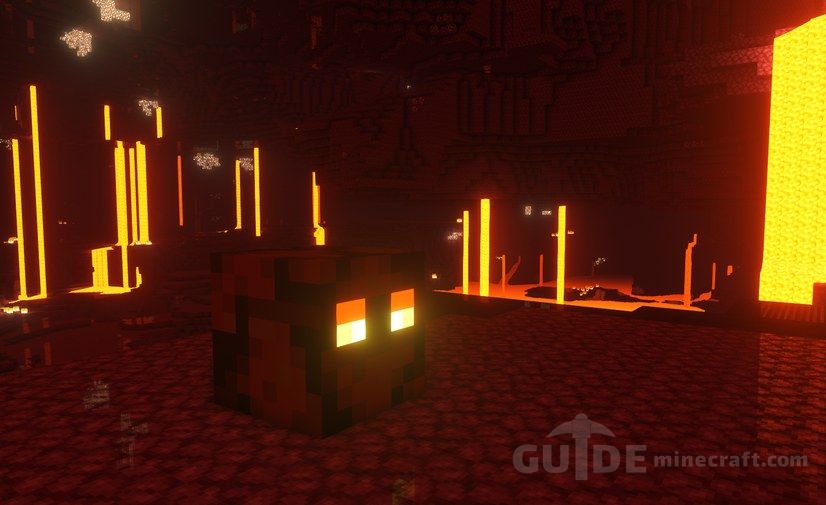
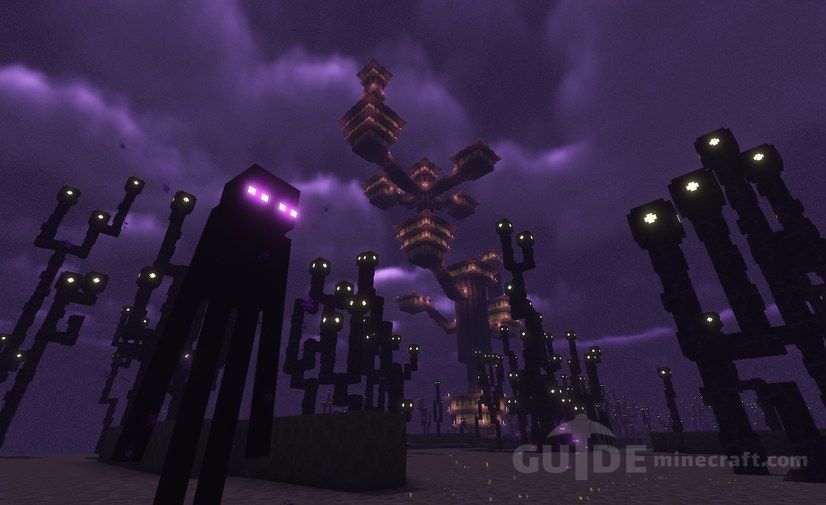
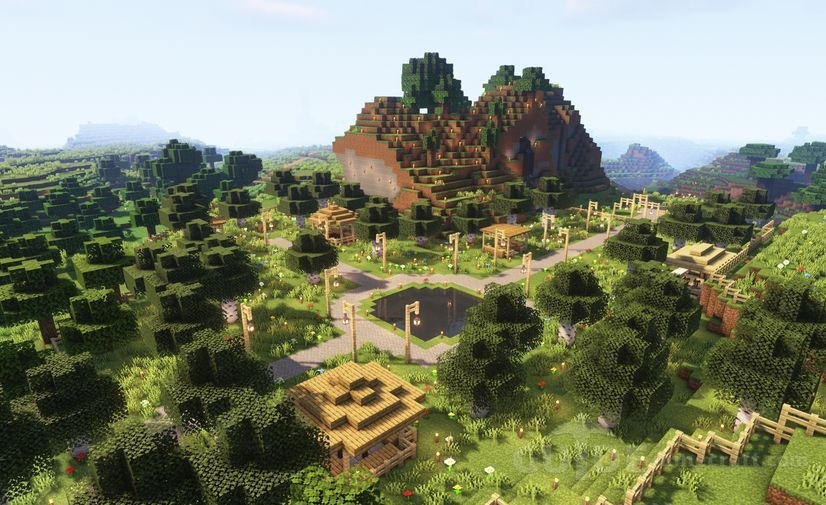
Complementary started in 2018 as EminGT’s edit of BSL Shaders. Over the following years it grew through a complete rewrite into its own pack, and Capt Tatsu now lists it as derived from BSL rather than as an edit. The in-game credits still thank him: in EminGT’s words, his generosity made Complementary possible. What you get today is a pack with custom effects for almost every block, careful default settings and a style that rarely gets in the way of actually playing.

On Modrinth the pack now appears as two projects, Complementary Reimagined and Complementary Unbound. They are the same shader. The only difference is the default Visual Style: Reimagined keeps Minecraft’s own look (blocky clouds, a reworked vanilla feel), while Unbound aims for a semi-realistic fantasy image. Both get the same updates, and the current release supports the newest game versions on Iris and OptiFine.
Which Complementary is this file?
Straight answer: complementary-shaders-r5.1.1.zip is release r5.1.1 from November 2023, listed for Minecraft 1.8.9 up to the 1.20 versions. The file name doesn’t say whether it is the Reimagined or the Unbound download, and the two r5.1.1 zips are practically the same size, so we can’t tell you which one this copy started as.
It matters less than it sounds. In r5.1.1 the Visual Style switch already sits at the top of Shader Options, and changing it rewrites the style-dependent defaults: water, clouds, sun and moon look, sun angle and auroras. Pick the style you like and the zip behaves like that download. On 1.21 or newer, use a current release from EminGT instead, because this build predates those versions. Older install notes about adding a separate resource pack belong to the v4 era; r5 is a single shader zip.

Two dials that matter: Profile and RP Support
The Profile option runs from Potato through Very Low, Low, Medium and High (the default) to Very High and Ultra. It changes only what you find under Performance Settings, never your taste-based choices. EminGT’s own advice: keep render distance two to four chunks above the profile’s shadow distance, so about 16 chunks on High and 6 on Potato, and don’t push resolution past 1080p on a mid-range card.
RP Support decides how blocks are treated. Integrated PBR+ works out material effects for vanilla textures by itself, so gold blocks shine and ores can glow with no extra pack. Basic turns those effects off. The labPBR and seuspbr modes are for resource packs that ship their own normal and specular maps.


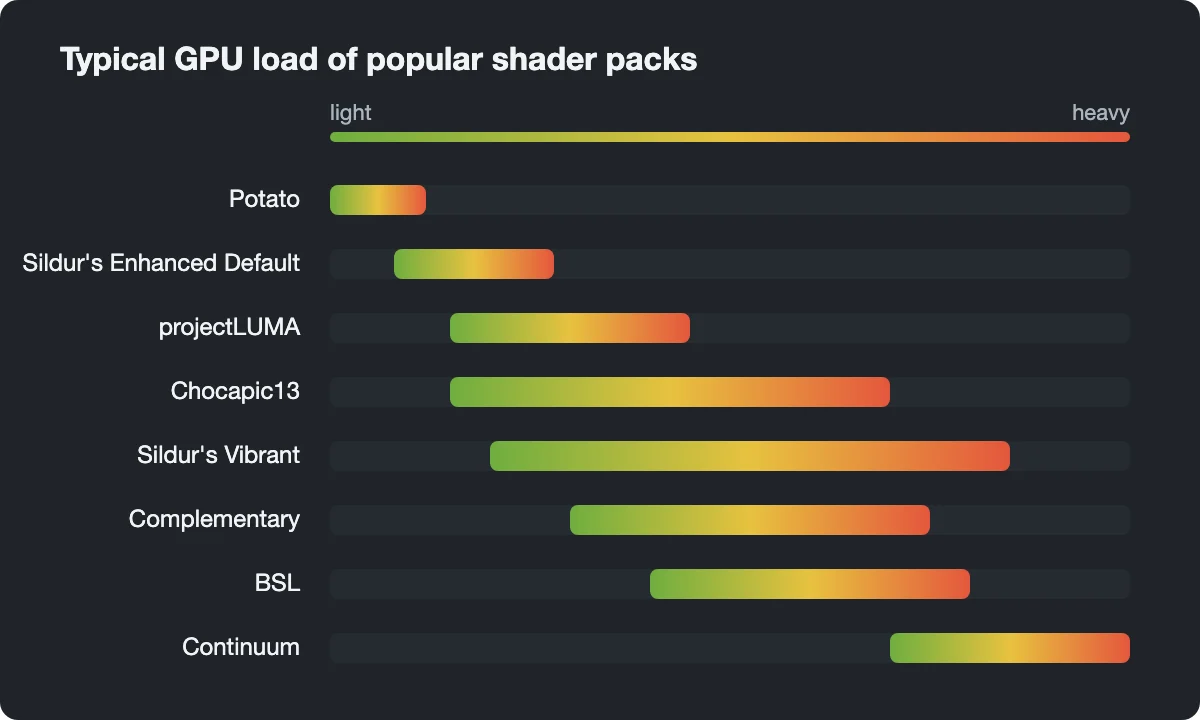
Players who want more knobs often add Euphoria Patches by SpacEagle17, an add-on that extends Complementary with extra optional features. If you want a heavier, more cinematic look than Unbound gives, compare it with Continuum; for a lighter classic, see Sildur’s Vibrant.
Bedrock and MCPE: not this pack
Many searches ask for Complementary on Bedrock or Pocket Edition. EminGT makes it for Java Edition only. Bedrock packs carrying the name are imitations by other authors, built for Bedrock’s own and very different shader system, and the zip on this page will not load in Bedrock at all.
Running it: installer, Iris or OptiFine
The quickest route is the Complementary Installer from EminGT’s site: choose a style, click Install, and it sets up Iris with the pack. It needs Java on your system to run. For a manual setup:
- Install Iris together with Sodium (Fabric, Quilt, or NeoForge on 1.21+), or install OptiFine on its own. Not both.
- Start the game. With Iris open Video Settings, then Shader Packs; with OptiFine, Video Settings, then Shaders.
- Click the folder button, drop the zip in without unpacking it, and refresh the list if Complementary doesn’t appear.
- Select it, then open Shader Options to set Visual Style and Profile.
OptiFine works, but the pack’s own info screen recommends Iris plus Sodium, saying OptiFine is problematic and can even cut off the description text.
y-t-er
The number 1, the best shaders !
eu adorei