
Flattening a hill by hand takes an evening. With WorldEdit on Fabric it takes a few brush strokes, and a row of identical towers takes one command. This is the Fabric build of EngineHub’s editor, available here for Minecraft 1.14.4 through 1.21.4. Players on Forge or NeoForge should grab the WorldEdit Forge/NeoForge page instead; the commands are identical. From 1.18.2 on, EngineHub ships a single jar that loads on Fabric and on Forge (NeoForge from 1.20.5), so the newer files on the two pages are the same download.
What the Fabric build needs
Less than most people think. You need Fabric Loader for your game version and the WorldEdit jar. EngineHub’s own install guide says Fabric API is required only on 1.14.x and not from 1.15 on. The reason is in the jar itself: the few Fabric API modules WorldEdit uses are packed inside it. Our older text said otherwise, so if you skipped Fabric API and the game still started, that is expected. Most Fabric setups have it anyway for other mods, and having it installed does not hurt WorldEdit.
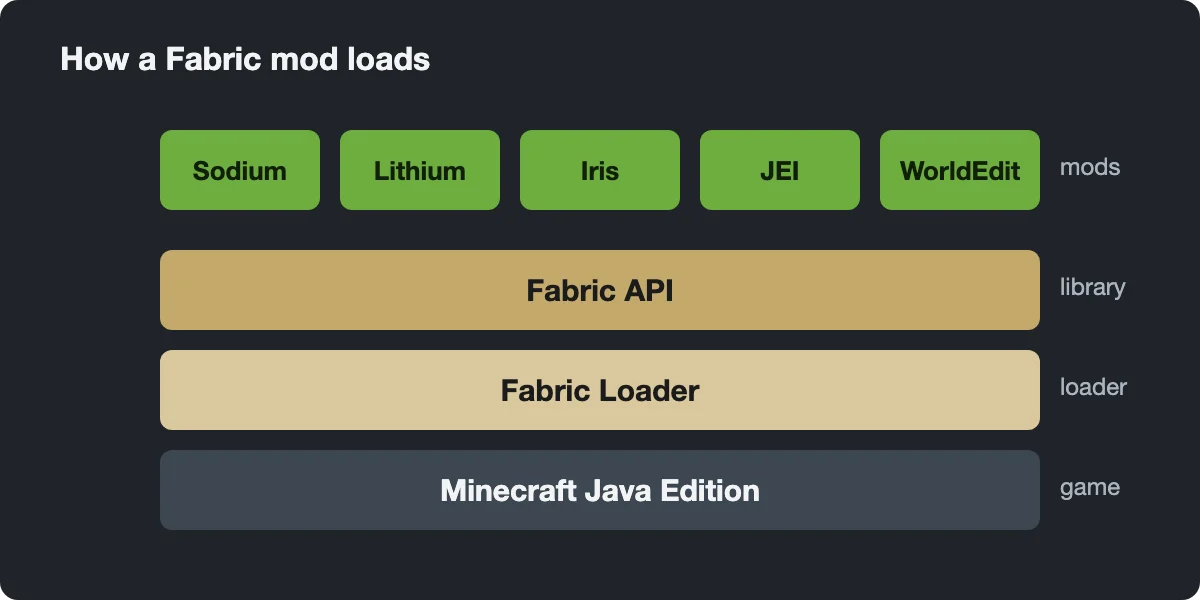
Match the jar to your exact game version. WorldEdit hooks deep into world code, so a jar built for 1.20.1 is not meant for 1.20.4, and running it there usually ends in a crash rather than a polite warning. The newest file here, for 1.21.4, is a 7.3.10 beta; the older ones are regular releases. Fabric got WorldEdit in the 1.14 era, so there is nothing older to offer on this loader.
Installation is the usual Fabric routine: run the Fabric installer, put the jar into .minecraft/mods, launch the Fabric profile. The world must allow cheats, because WorldEdit refuses commands from players without operator rights. Type //wand; if a wooden axe lands in your hand, the mod is live.
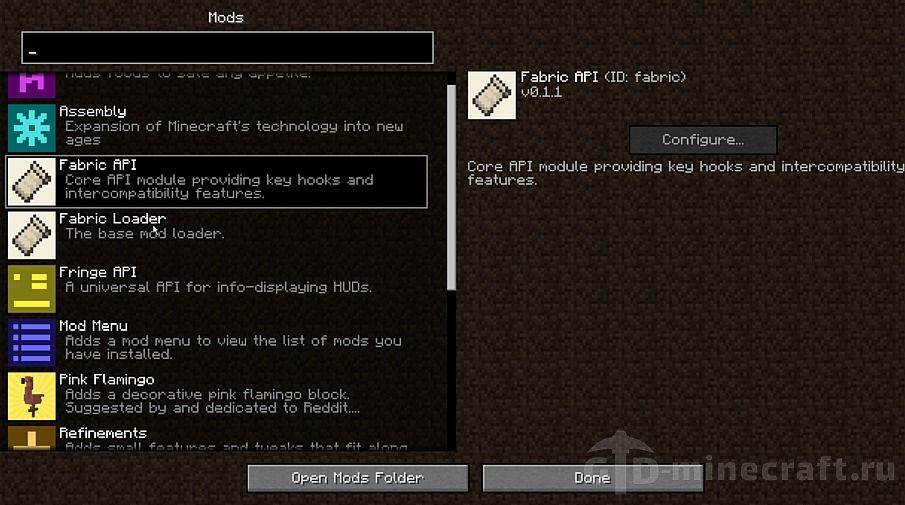
Terraforming with brushes
Brushes are where WorldEdit saves the most time outdoors. A brush is bound to whatever item you hold when you run the command, and you use it by right-clicking at a spot up to the brush range away.
- Rough shape: hold a shovel and type /br s dirt 6. Each click adds a dirt sphere of radius 6. Build up a ridge or a mountain shoulder with a series of clicks.
- Cut away: bind /br s air 5 to a second item and carve valleys or caves into the mass.
- Soften: /br smooth 5 4 averages the heights in radius 5 over four passes, which removes the blobby look.
- Settle floating bits: /br gravity 6 pulls blocks in the area down until they rest on something.
- Repaint the top: with /mask dirt active, a sphere brush of grass_block changes only dirt and leaves stone and trees alone.
/size changes the radius of the brush in your hand, /range sets how far it reaches, and /brush none frees the item again.
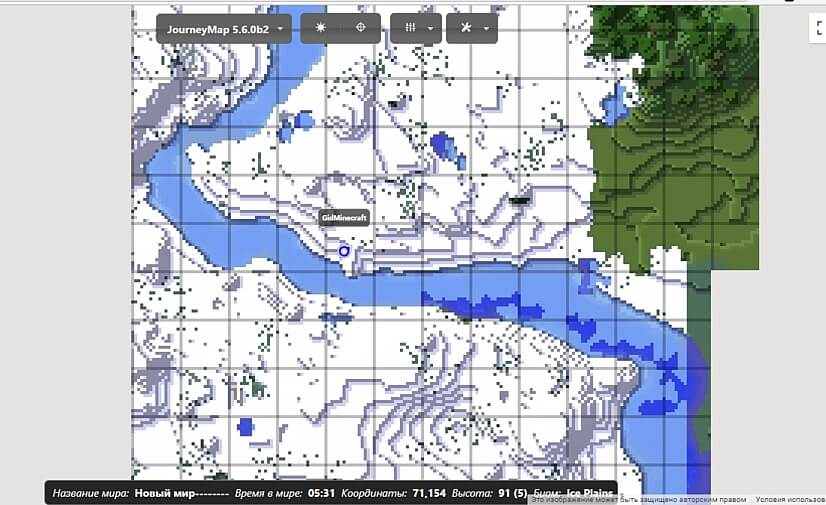
Quick builds with selections
For anything with straight edges, work with a selection instead. Left-click one corner with the wand, right-click the opposite corner, then act on the box.
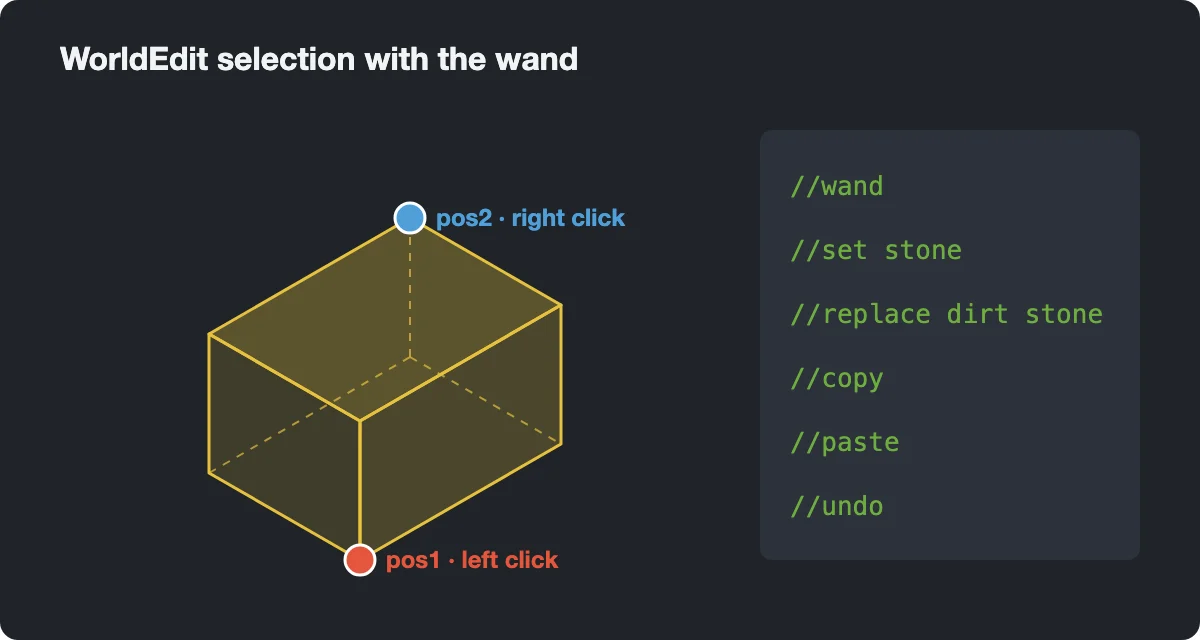
- Floor or foundation: select the area and //set stone_bricks.
- A shell for a hall: //walls oak_planks, then add the roof by hand.
- Columns or a long fence: build one segment, select it, //stack 12 east.
- Shift a finished house: //move 8 north, with -s if you want the selection to follow.
- Mistake: //undo, as many times as needed up to the history limit.
Clearing a site before a build is simple: select it and run //set air. Water or lava flowing in afterwards is not part of your edit and will not be undone with it.

Extras that exist only on Fabric
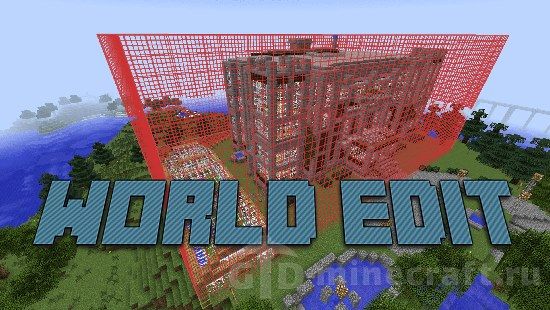
EngineHub also makes WorldEdit CUI, a client mod that draws your current selection as a visible outline in the world. It is released for Fabric and Quilt only, so this build is the one to pick if you want to see the box instead of trusting coordinates in chat. On a dedicated Fabric server, WorldEdit reads Fabric Permissions API nodes from a permissions mod, and falls back to vanilla operator levels when none is installed.
this is dumb
it can’t move(paste, replace, etc) door(2 block height).
umm inruscvtions?