
Who gets the most out of Lithium? Server owners, first of all, and singleplayer players whose worlds are full of farms, villagers and redstone. Lithium is a general-purpose optimization mod from CaffeineMC that speeds up the game’s internal logic: physics and collisions, mob AI, block ticking, chunk handling. Its strict rule is not to change any vanilla mechanic. That rule is taken seriously enough that the mod is allowed in official Minecraft speedrunning.
JellySquid started the project and stepped down from active development in 2020. Since then Lithium has been developed by 2No2Name with help from other contributors. This page has the Fabric builds, from 1.15.2 up to 1.21.4.
Where the speed-up comes from
Every Minecraft world is run by a server. On multiplayer that is the dedicated server; in singleplayer, an integrated server runs inside your own game. Twenty times per second it moves every mob, checks every hopper, grows crops and updates redstone. When that tick takes too long, you see it as lag: mobs that stutter, items that hang in the air, farms that run slow.
Lithium rewrites the slow parts of that loop. For dedicated servers, CaffeineMC promises a sizeable improvement in tick times, so the same hardware can carry more loaded entities, chunks and players. In singleplayer the integrated server takes less processor time, which leaves more of it for drawing frames and can raise your frame rate as a side effect.
Because vanilla behavior is the goal, technical farms and redstone machines should work exactly as they do without the mod. When something does behave differently, the developers treat it as a bug and ask for a report on their issue tracker.
It runs on either side and does not need to be on both. Put it on a server and vanilla clients can still connect. Put it in your own client and you can join any server.
How it pairs with Sodium
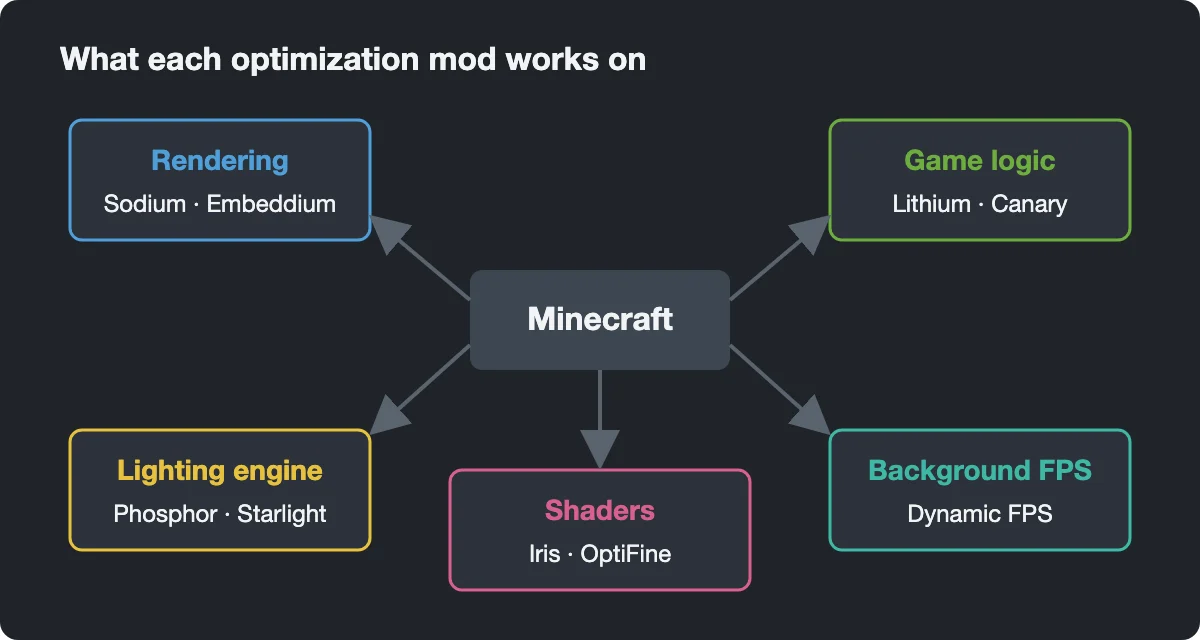
CaffeineMC deliberately splits its work into separate mods. Sodium handles drawing the world on your screen, while Lithium handles what happens in the world between frames. Neither duplicates the other, so on a client you normally install both. On a dedicated server only Lithium makes sense, since a server never renders anything.
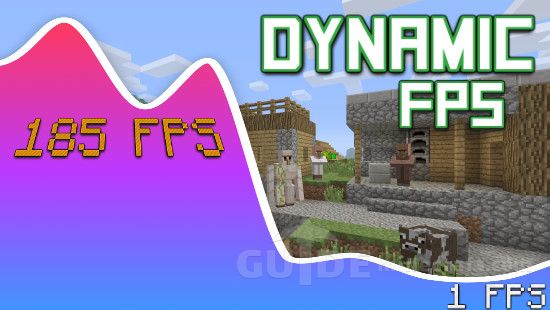
For versions before 1.19, the third member of the family was Phosphor, which optimized the lighting engine. Dynamic FPS is another small addition for clients, lowering frame rate while the window is in the background.
Installing on Fabric
Install Fabric Loader for your version and drop the Lithium jar into the mods folder. That’s all. Lithium needs no other mods, not even Fabric API, and works on existing worlds without creating new ones. Files for 1.20.2 and newer are also published for Quilt. For a server, the jar goes in the server’s own mods folder.
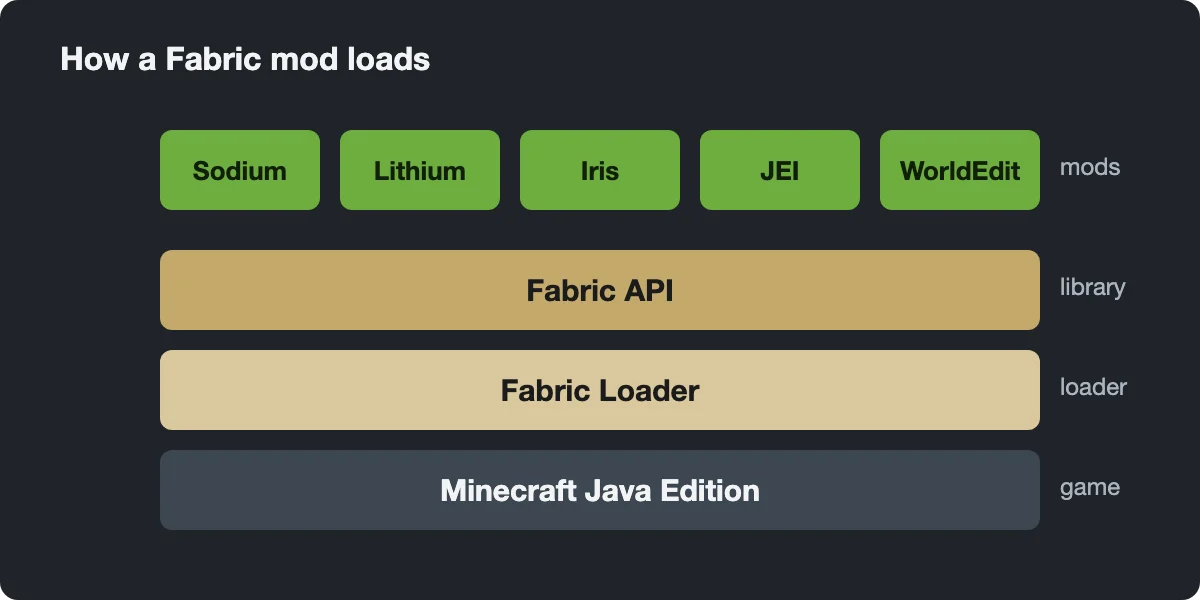
There is no settings screen. On first start Lithium creates config/lithium.properties, and an empty file is normal: it means all stable optimizations are on. The file exists for troubleshooting. If another mod misbehaves with Lithium, you can switch off one optimization with a line such as mixin.ai.pathing=false, restart the game, and test again. Back up your worlds before editing it.
Other loaders and older versions
Since late 2024 CaffeineMC also publishes official NeoForge builds; those are on our Forge and NeoForge page. Forge itself was never supported upstream. For Forge 1.18.2 to 1.20.x there is Canary, an unofficial fork by a different author. On very old Fabric versions around 1.14, FoamFix tackled a different problem, memory use.
is t his a client side mod or not?
Does with work with forge only?
it only works with fabric not forge
does this work on all snapshots including the pre releases?