Minecraft tracks three numbers for food, and the vanilla HUD shows only one of them. AppleSkin, by squeek502, puts the other two on screen and adds food values to every tooltip. It does not change how hunger works. It just shows you the parts the game normally keeps hidden, which turns eating from guesswork into a choice.
This page holds the Forge and NeoForge builds. Fabric and Quilt players should use AppleSkin for Fabric instead; the features are the same.
The hidden food mechanics, in numbers
Values below are from the Minecraft Wiki for Java Edition.
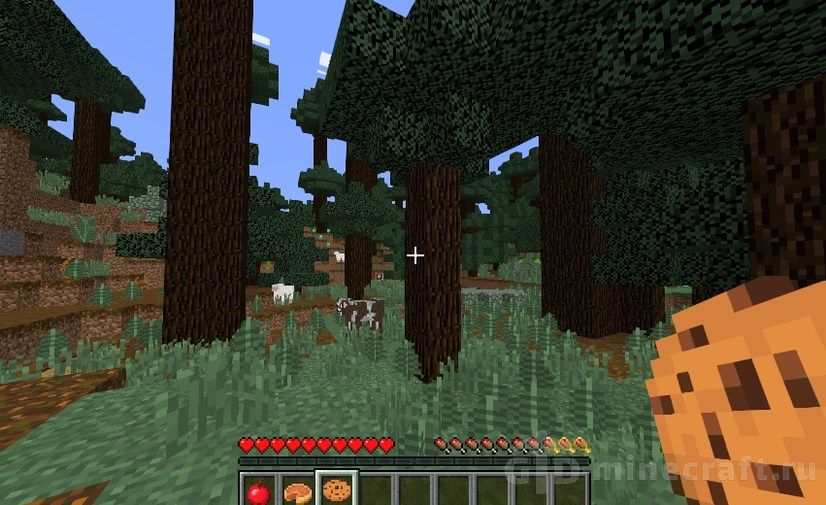
- Hunger runs from 0 to 20, shown as ten drumsticks. This is the only food number you see without mods.
- Saturation is a hidden buffer on top of hunger. It can never be higher than your current hunger level, it drains first, and it resets to 5 when you respawn.
- Exhaustion is a counter that fills as you act: sprinting adds 0.1 per block, a sprint-jump 0.2, each hit you land 0.1, each block broken 0.005. Every time it reaches 4, it resets and removes one point of saturation, or one point of hunger if saturation is already empty.
Healing is where this matters. With hunger at 18 or more, you regain one health point every four seconds. With hunger full at 20 and saturation left over, healing speeds up to once every half second, paid for out of saturation. So a full bar with zero saturation heals slowly and starts dropping soon, while the same bar backed by saturation heals fast and holds.
Food choice follows from that. A cooked porkchop restores 8 hunger and 12.8 saturation; bread restores 6 hunger and only 6 saturation. Both fill drumsticks, but the porkchop keeps them full far longer. With AppleSkin you can see this without opening the wiki.
What appears on screen

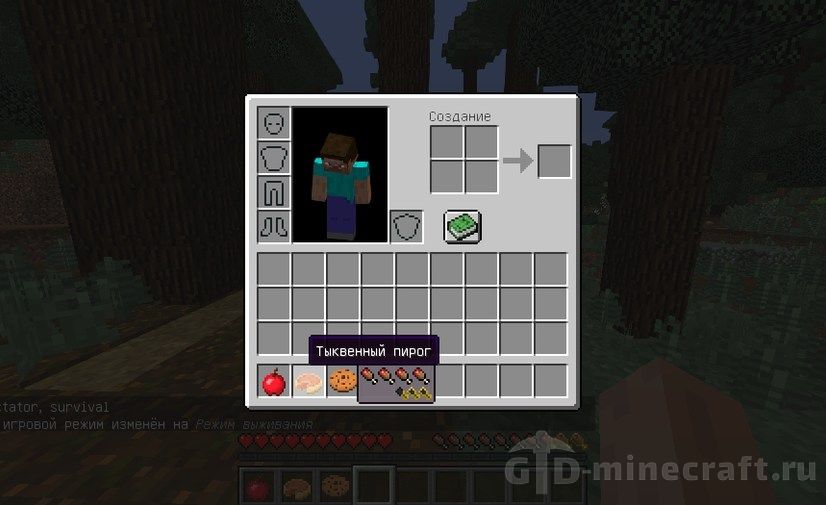
- Food tooltips list how many drumsticks and how much saturation an item restores, for vanilla food and food from mods.
- A saturation outline is drawn over the hunger bar, so you can see how much buffer is left.
- An exhaustion underlay fills behind the drumsticks and shows how close you are to losing the next point.
- A flashing preview appears when you hold food: the drumsticks and hearts it would restore blink on the bars before you eat.
- F3 numbers for hunger, saturation and exhaustion are added to the debug screen.

Every element can be switched off separately in the client config. The option names are self-explanatory, for example showSaturationHudOverlay, showFoodExhaustionHudUnderlay and showFoodHealthHudOverlay.
Forge and NeoForge builds
squeek502 maintains AppleSkin for each loader from separate code branches, and the switch to NeoForge shows in our file list. The classic Forge line ends at 1.20.1. From 1.20.2 onward the builds here are NeoForge, up to the 1.21.3 to 1.21.5 file, and for 1.21.1 there is no Forge file to pick. If you search for AppleSkin on Forge 1.21, the answer is to run NeoForge.
The settings are easier on newer builds. On NeoForge 1.21, AppleSkin has a Config button in the Mods list. On the older Forge builds you edit config/appleskin-client.toml in the game folder instead.
Install it on the server as well
AppleSkin is mostly client-side, but saturation and exhaustion are tracked by the server. If the server does not run the mod, your client never receives those two numbers and the overlays show wrong values. Tooltips still work. In single-player the built-in server handles this for you. For a Spigot or Paper server, the project page points to community plugins that send the same data.
Installation steps
- Install Forge (up to 1.20.1) or NeoForge (1.20.2 and newer) for your game version. AppleSkin needs no other library.
- Download the AppleSkin file whose name shows your loader and version, and put it in the mods folder. Do the same on your server if you play multiplayer.
- Launch, pick up any food and hold it. If drumsticks on your hunger bar start flashing, AppleSkin is working.
Mods that go with it
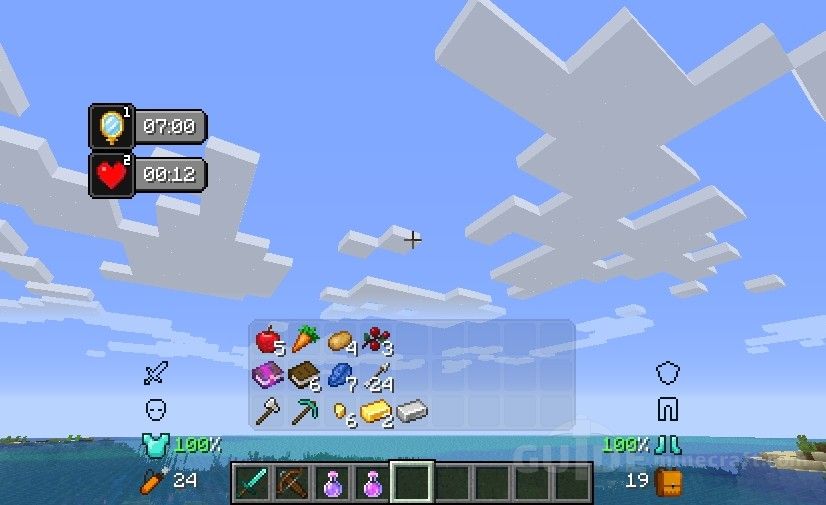
For a recipe viewer that shows AppleSkin’s food values right in its item list, add Just Enough Items. Hwyla tells you what block or crop you are looking at, and Inventory HUD+ keeps your food stock visible on screen.